Introduction
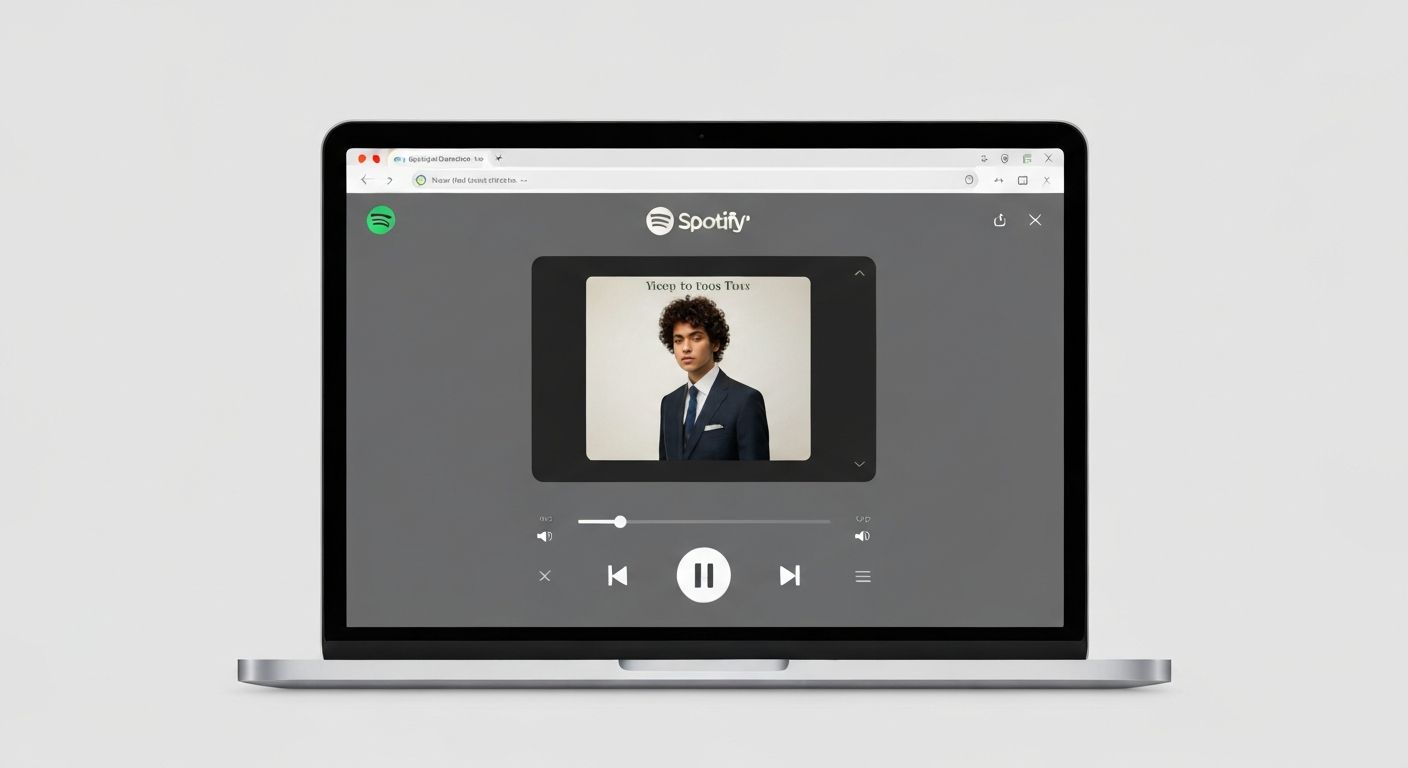
Spotify Web Player is a powerful browser-based interface that allows users to stream their favorite music and podcasts without the need for a dedicated application installation. This platform is particularly valued in professional environments, educational institutions, or on shared devices where administrative restrictions prevent software downloads. It offers a lightweight, responsive experience that integrates seamlessly with modern web browsers.
|
Author InsightBased on extensive testing on public laptops and low-bandwidth systems, I have found the Spotify Web Player to be a reliable alternative to the desktop app. It preserves system resources while maintaining a high-quality user interface for seamless music discovery. |
Spotify Web Player Overview
| Feature | Details |
|---|---|
| Official Platform | Spotify Web Player |
| System Type | Online Browser Streaming |
| Login Requirement | Yes (Account Required) |
| Compatibility | Chrome, Edge, Firefox, Safari |
| Installation | Not Required |
How to Open and Use Safely
Opening the Spotify Web Player is a straightforward process. Users only need to visit the official Spotify web domain. Once accessed, the interface provides a familiar layout for existing users. For optimal security on shared devices, it is recommended to use an incognito window or ensure you log out completely after your session to prevent unauthorized account access.
Common Troubleshooting Steps
If you find that the Spotify Web Player is not working as expected, consider the following technical adjustments:
- Enable Cookies: Spotify requires browser cookies to authenticate and maintain your session.
- Clear Cache: Overloaded browser data can cause playback lag. Clearing your cache often resolves loading issues.
- Ad Blockers: Some ad-blocking extensions may accidentally block the player’s core scripts. Temporarily disabling these can restore service.
Advanced Features: Repeating and Jam Sessions
How to Repeat a Song
The repeat function is located next to the play controls. Click the icon once to repeat your current playlist. Clicking it a second time, which activates a small number one, will loop the specific song you are currently listening to.
Starting a Jam Session
Collaborative listening is possible through the Jam feature. By selecting “Start a Jam” from the playback menu, you can invite others to add songs to a shared queue in real-time, making it an excellent tool for group activities.
Professional Frequently Asked Questions
This is usually due to an outdated browser or restricted privacy settings. Ensure that your browser has permission to play protected content in the settings menu.
While the player itself is safe, some networks block streaming services. If the site is blocked by a firewall, you may need to consult your network administrator.
The web player streams at a standard bitrate that is sufficient for most users. However, the desktop application offers higher fidelity options for audiophiles.
No, the web player requires an active internet connection. Offline downloads are exclusive to the desktop and mobile applications.
Professional Conclusion
Spotify Web Player remains an indispensable tool for music lovers in 2025. Its ability to provide instant access to millions of tracks without the burden of software management makes it a versatile choice for any environment. By following the troubleshooting and security protocols mentioned above, users can enjoy a stable, high-quality audio experience across any modern device.